THE SEAT
Fit the seat to you
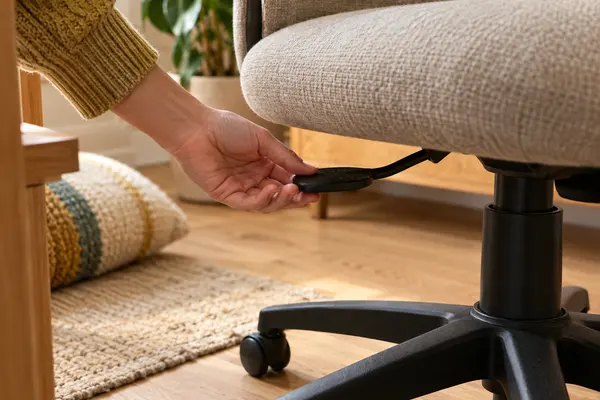
Set the height so the seat supports the front and back of your thighs equally, with a small gap behind the knee.
The four settings doodlechair
Start
A FIVE-MINUTE SEATING CHECK
A good chair helps. Getting out of it helps too.
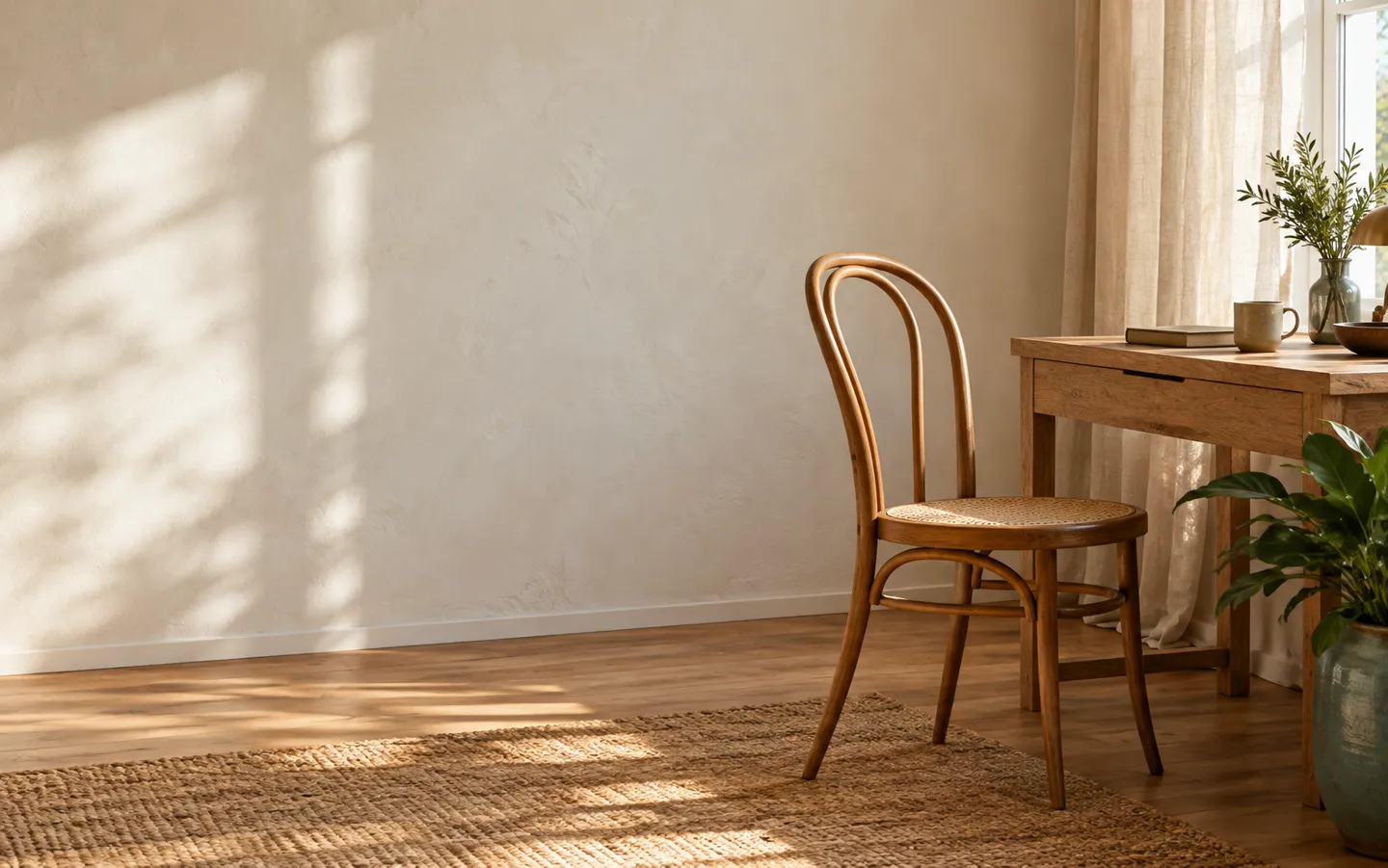
Most of us sit for hours a day, often in a chair we never adjusted. UK workplace guidance boils good seating down to a few simple checks: thighs, knees, lower back, screen, and short, frequent breaks. Here they are, in plain English.
Plain English, with the sources linked.
SITthen stand
Check your chairKeep in mind
THE SHORT ANSWER
The Health and Safety Executive's posture checks
take a few minutes and need no new furniture.
THE SEAT
Set the height so the seat supports the front and back of your thighs equally, with a small gap behind the knee.
The four settingsTHE SCREEN
Put the top of the screen level with your eyes, about an arm's length away, so you are not peering down.
Run the chair checkTHE BREAKS
Short, frequent breaks beat long, rare ones. Even a perfect chair is not meant for hours without moving.
Why it mattersA QUICK CHAIR CHECK
Pick a part of your set-up to see what UK workplace guidance suggests. The bar shows how far through the five checks you are.
This is general guidance for comfortable screen work, taken from the Health and Safety Executive. It is not medical advice; if sitting is painful, speak to a health professional.
TWO NUMBERS WORTH KNOWING
Why a few minutes on your chair
and your breaks is time well spent.
511,000
Workers with a work-related musculoskeletal disorder
The Health and Safety Executive's key figures for Great Britain count 511,000 workers suffering from a work-related musculoskeletal disorder, the aches and injuries of muscles, joints and back.
HSE · 2024 TO 2025
7+ and 10+
Hours a day many adults spend sitting
The NHS says many adults sit for more than 7 hours a day, and people over 65 spend 10 hours or more sitting or lying down. The UK Chief Medical Officers advise breaking that time up.
NHS · SITTING TIME
Not every ache comes from a chair, and the HSE figure covers all kinds of work. But seat, screen and breaks are the parts of the day you can change in minutes.
SET IT UP TODAY
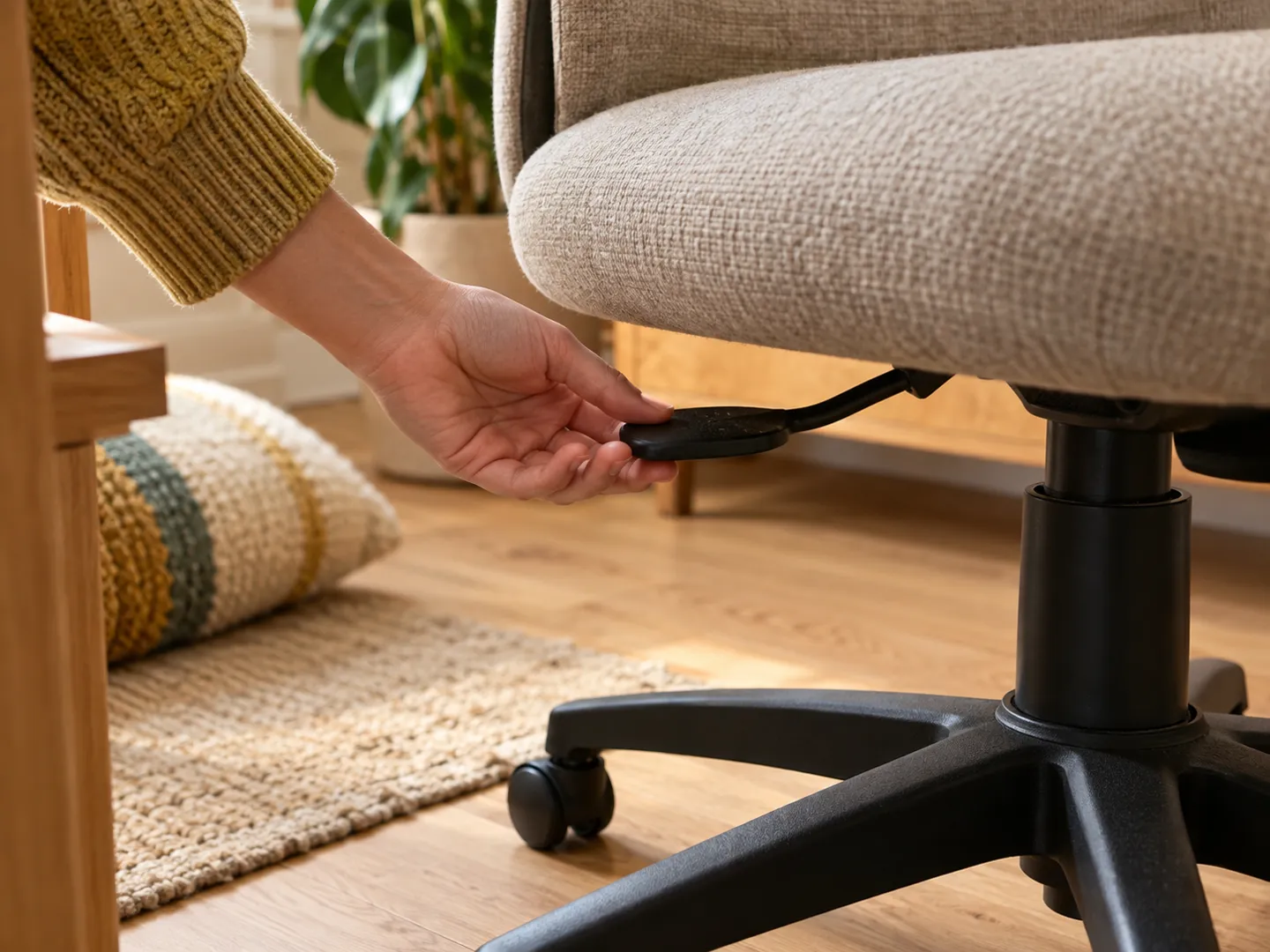
Step 1
Raise or lower the seat until it supports the front and back of your thighs equally. Too low and the chair cannot go higher? Add a cushion.
Step 2
Sit back and check for a gap of about 2 to 3 cm between the front of the seat and the back of your knee.
Step 3
Top of the screen level with your eyes, about an arm's length away. Keyboard just below elbow height, mouse in line with your elbow.
Step 4
After 50 to 60 minutes of continuous screen work, stand up for 5 to 10 minutes: fetch water, stretch, take a call on your feet.
CHAIR FACTS
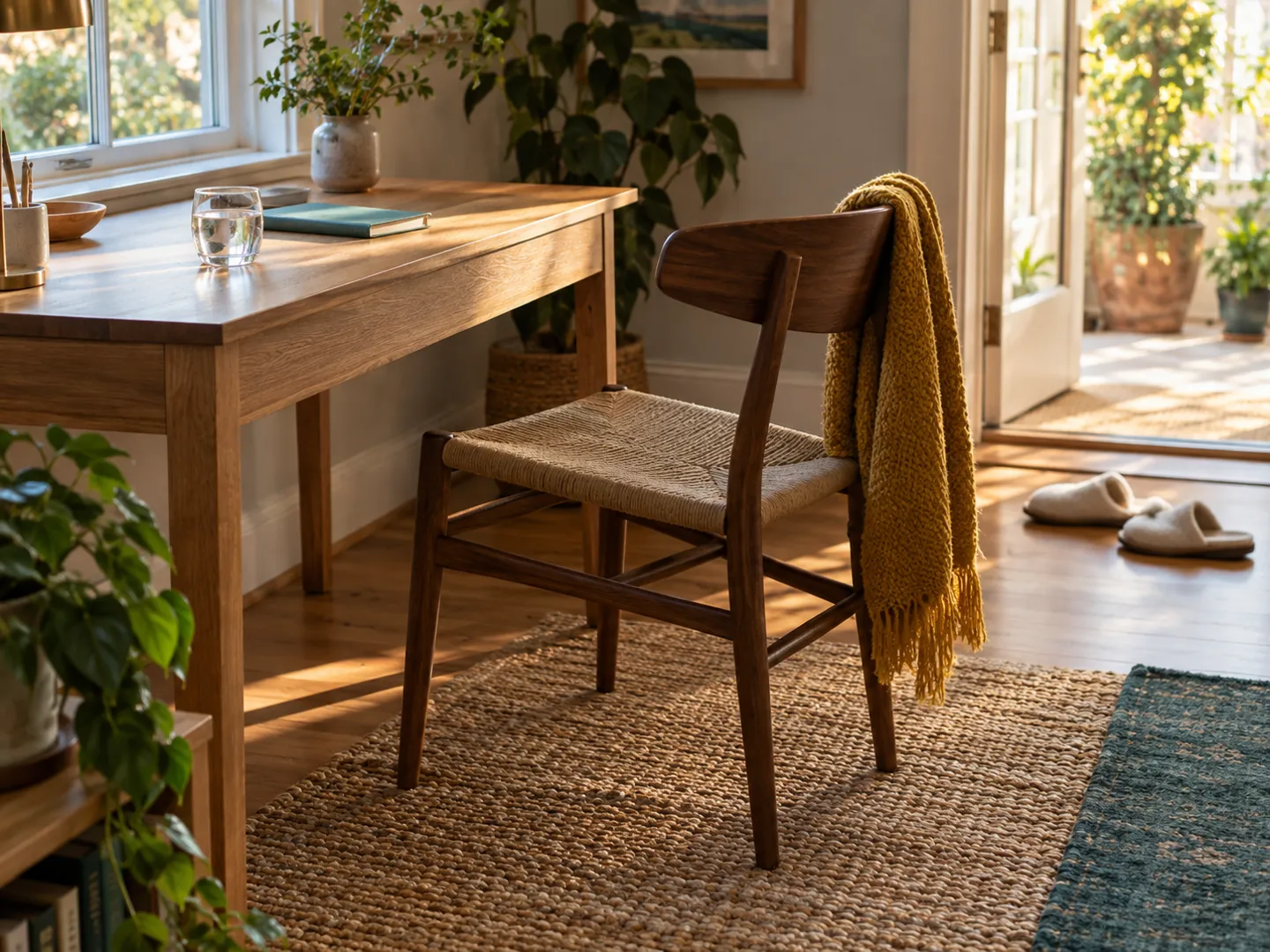
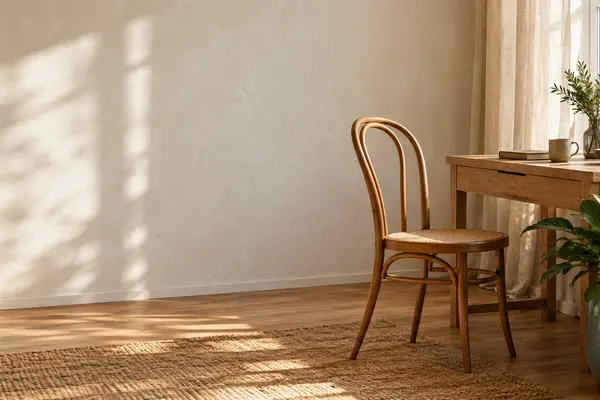
Thonet's No. 14 bentwood chair was launched in 1859. The Design Museum calls it the first piece of furniture designed to be shipped in parts to save space.
The original No. 14 is made of six pieces of wood, ten screws and two nuts, a short parts list that suited a chair designed to be shipped in pieces.
By 1930, fifty million No. 14 chairs had been sold, according to the Design Museum. It is the café chair many of us still picture first.
HSE guidance says short, frequent breaks from screen work are better than occasional long ones, and that breaks should come before you start to tire.
The UK Chief Medical Officers advise adults to minimise time spent sedentary and to break up long periods of inactivity with at least light activity, alongside 150 minutes of moderate activity a week.
QUICK QUESTIONS
Short answers to the questions people ask most.
The Health and Safety Executive suggests a seat height that supports the front and back of your thighs equally, with the keyboard just below elbow height. If the chair does not go high enough, a cushion can raise your seated position.
HSE guidance suggests a gap of about 2 to 3 cm between the front of the seat and the back of your knee.
HSE suggests the top of the screen level with your eyes and about an arm’s length away.
HSE says short, frequent breaks are better than occasional, longer ones. Its example is a 5 to 10 minute break after 50 to 60 minutes of continuous screen or keyboard work, rather than 15 minutes every two hours.
The NHS says many adults spend more than 7 hours a day sitting down, and people over 65 spend 10 hours or more sitting or lying down. The UK Chief Medical Officers advise breaking up long periods of inactivity with at least light activity.
Destination
Updated
A NAME WITH A SEAT AT THE TABLE
doodlechair.com is part of the DoodleSale portfolio. It isn't in an auction right now, but you can ask about leasing it.